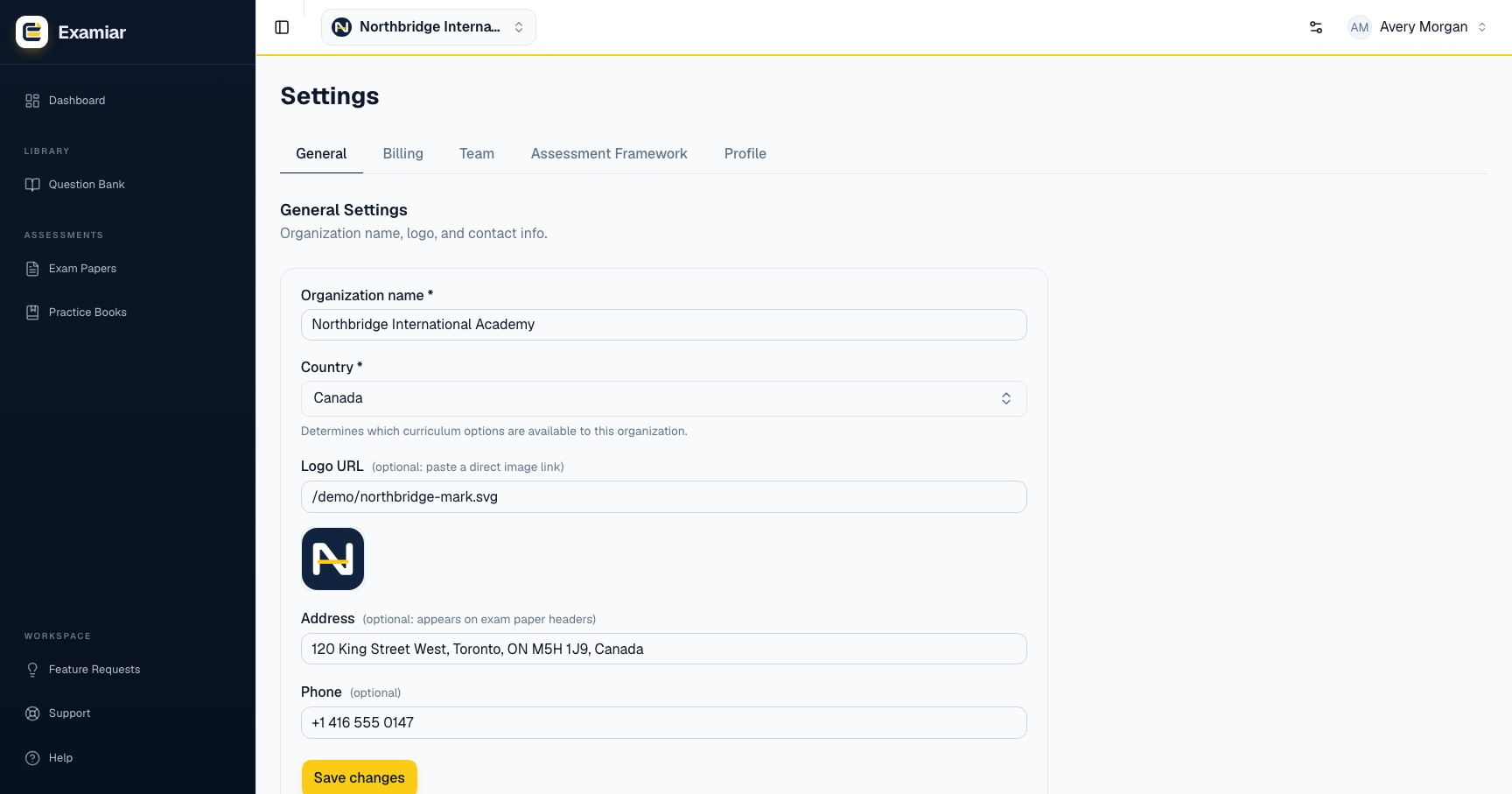
Organisation details
Open Question & Exam Paper Setup from your profile menu, then choose General. Owners and administrators can change these settings.
- Organisation name
- Required. Use the name learners and staff recognise.
- Country
- Required. This controls the curriculum options available to the organisation, so confirm it before building a large structure.
- Logo URL
- Optional. Paste a direct, publicly reachable image URL. The logo can appear in branded areas of the workspace.
- Address
- Optional. Add the wording you want shown on exam paper headers.
- Phone
- Optional. Use the organisation’s public or administrative number.
Choose durable names
Use official institution, programme and subject names rather than temporary abbreviations. A stable naming convention makes filters understandable when several teachers share the same bank.
- Prefer “Mathematics: Grade 8” over “Math 8 new”.
- Use consistent capitalisation.
- Do not place passwords, internal notes or personal data in public-facing fields.
Verify the setup
Save the settings, refresh the page and confirm the values remain. Create a small test exam paper later and check the organisation information on its header before your first real assessment.
Continue in Examiar
Open in ExamiarOpen the relevant workspace area and put this guide into practice.