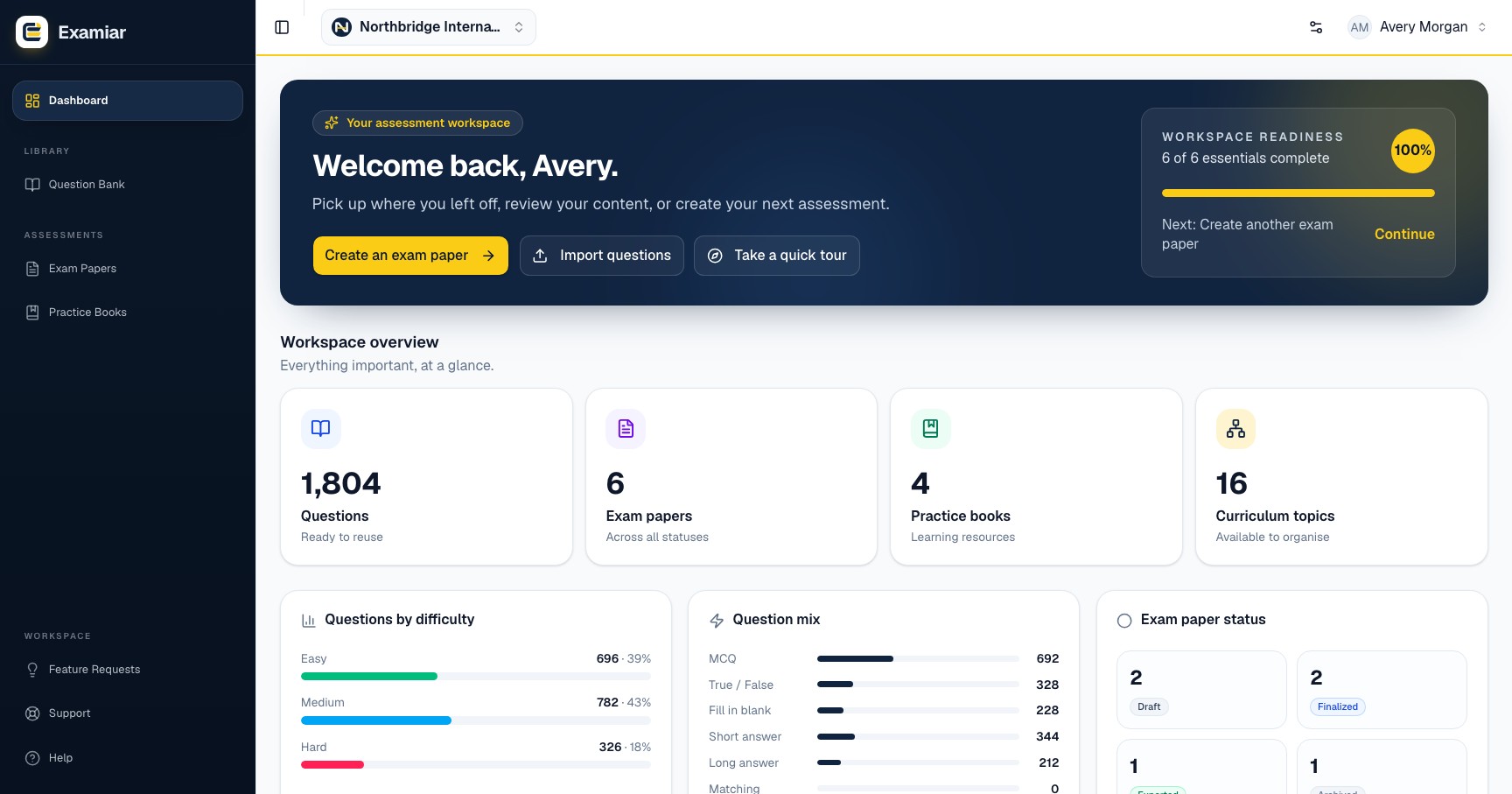
Use the dashboard as your starting point
The dashboard shows your organisation’s setup progress and the next useful action. New workspaces should follow the readiness checklist in order: curriculum, topics and question profiles first; question bank and assessment creation next.
Counts and recent activity help returning teams see what already exists before adding more content.
Switch organisations
If your account belongs to more than one organisation, use the organisation selector in the header. Always confirm the selected organisation before creating, importing, editing or exporting content; curriculum and question-bank data belong to the active workspace.
Continue in Examiar
Open in ExamiarOpen the relevant workspace area and put this guide into practice.