Everything you need to set up and use Examiar.
Follow the complete workflow from an empty organisation to a reusable question bank, reviewed exam papers and a well-managed team.
Follow the guide while you work in the product.
Every guide now includes a real Examiar screen, so you can recognise the right page, understand the controls and complete each step with confidence.
Tour the dashboard →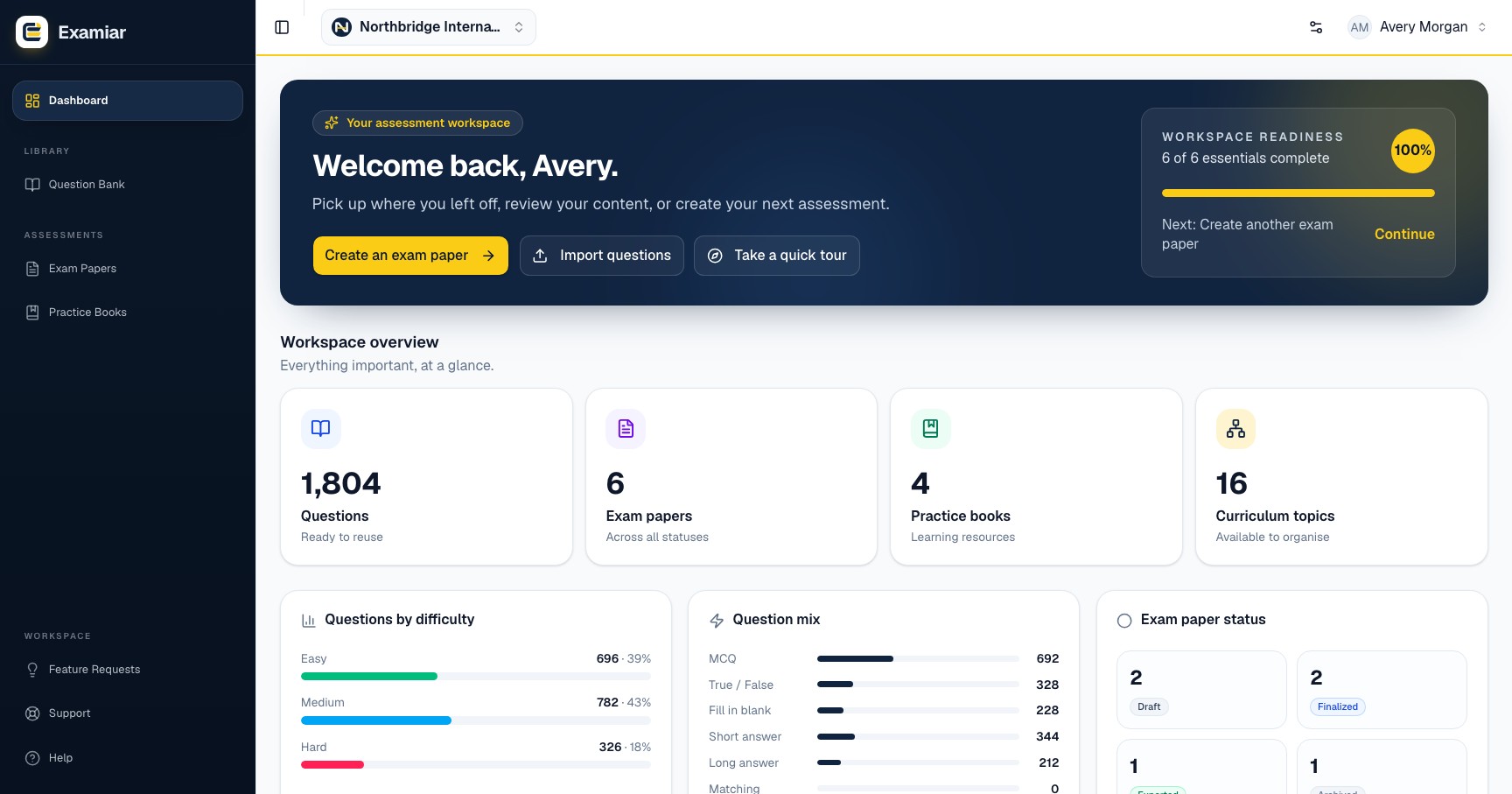
No guide matches that search.
Try a shorter phrase, or contact support.
Set up the structure Examiar needs before your team starts adding questions.
Dashboard and navigation
Learn where Examiar keeps setup, content, assessment and support tools, including how to switch organisations safely.
Read guide →Organisation setup
Configure the organisation details that control your workspace, curriculum choices and exam paper headers.
Read guide →Curriculum and topics
Build a clear curriculum hierarchy and topic tree so every question can be found and reused accurately.
Read guide →Question profiles
Create the reusable question formats and mark values your team needs when building questions and exam sections.
Read guide →Create a reliable question bank, reusable patterns, exam papers and practice books.
Question bank
Create well-classified questions, find them quickly and maintain a reusable bank your team can trust.
Read guide →Import questions
Bring an existing question collection into Examiar safely, review it and correct classification before saving.
Read guide →Exam patterns
Save the exam paper structure, marking rules and section mix your institution uses repeatedly.
Read guide →Create an exam paper
Use the five-step exam-paper builder, review the selected questions and produce the final exam paper and answer key.
Read guide →Practice books
Assemble curriculum-aligned practice material from the same reviewed question bank.
Read guide →Control access, maintain your account and get help when something goes wrong.
Team and permissions
Give each colleague the least access they need, invite them safely and keep your workspace under control.
Read guide →Account and billing
Maintain your profile, understand plan information and protect access to your Examiar workspace.
Read guide →Support and troubleshooting
Resolve common setup problems and submit a support ticket with the information needed for a useful response.
Read guide →