Before you start
The generator selects from questions already saved in your bank. Make sure the bank contains enough reviewed questions for the curriculum, topics, profiles and difficulty mix you plan to request.
Complete the five steps
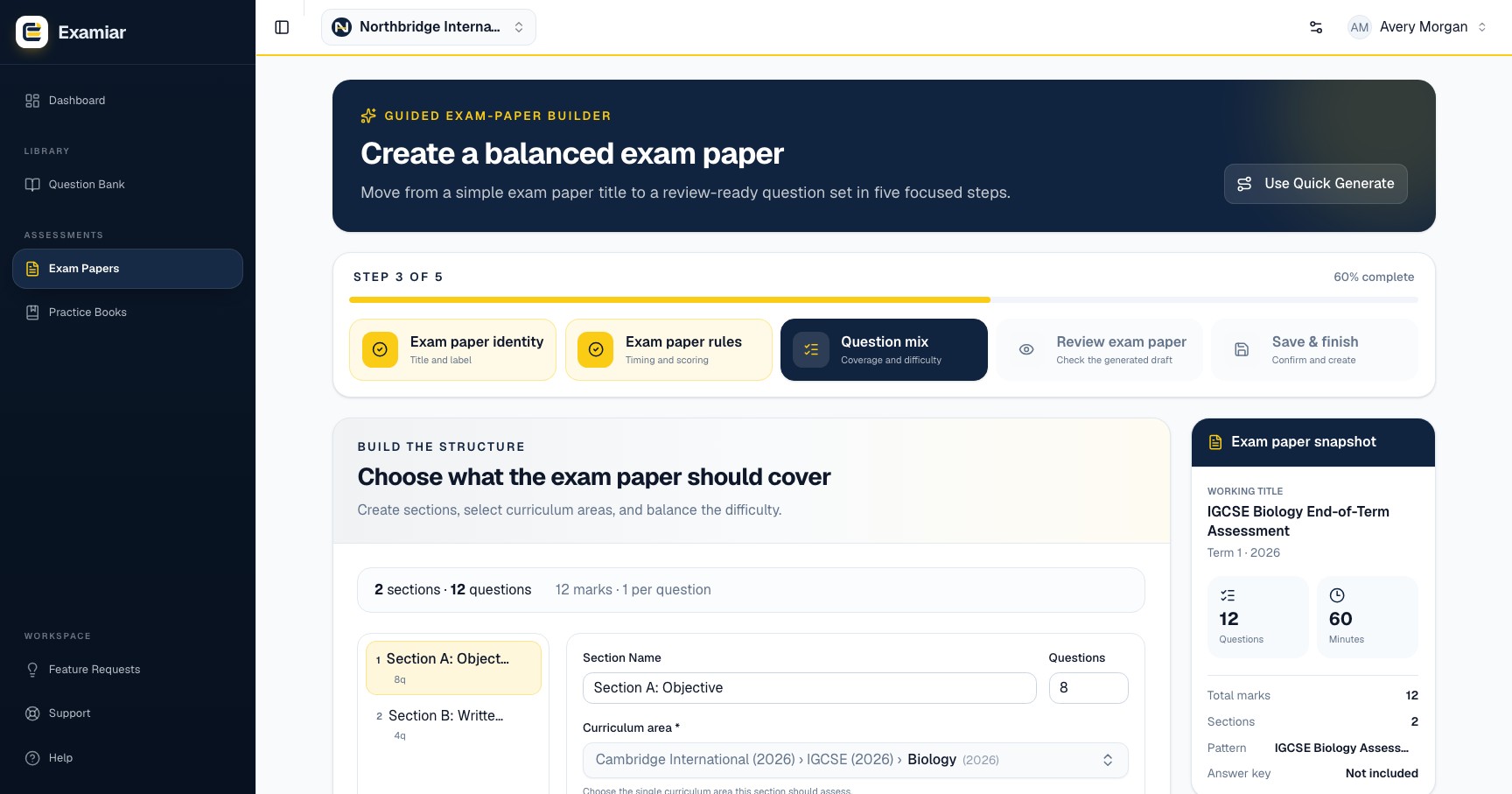
- Exam paper identity: enter the required title and, if useful, an internal label.
- Exam paper rules: select an optional saved pattern, then confirm duration, total marks, negative marking, answer-key preference and candidate instructions.
- Question mix: add sections. Give each a name and question count, select the required curriculum, then optionally narrow by topic and difficulty distribution.
- Review: inspect the selected exam paper questions. Remove unsuitable questions or build another selection.
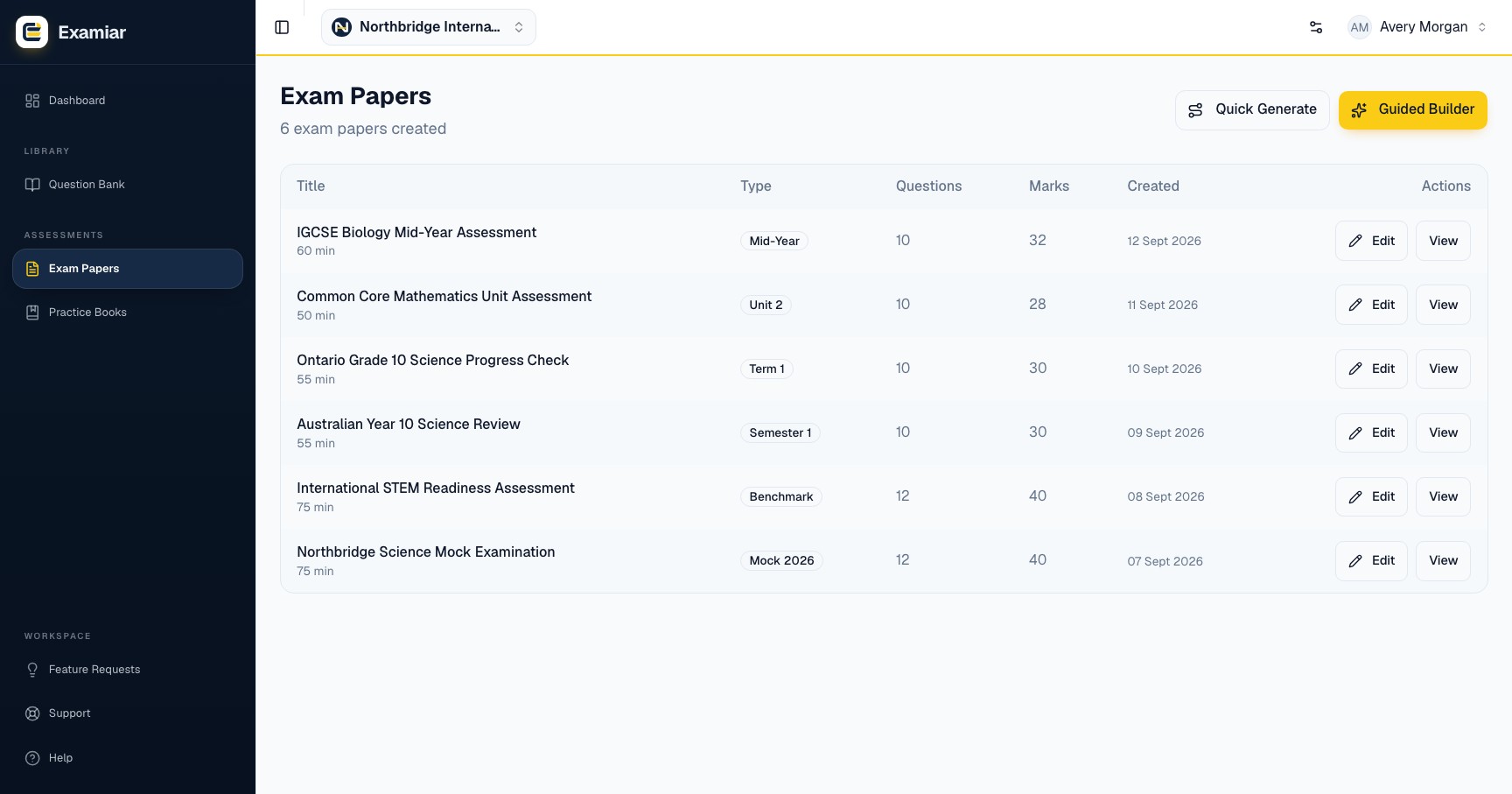
- Save: store the reviewed exam paper in Exam Papers.
Review before saving
- The total marks and duration are realistic.
- Instructions match the assessment rules.
- Sections contain the intended number and type of questions.
- No question is duplicated or gives away another answer.
- Difficulty and topic coverage are balanced.
- Every correct answer is accurate before including an answer key.
Print or export
Open the saved exam paper from Exam Papers. Use Print/PDF for a print-ready copy or export a DOCX file when staff need a document workflow. The answer key is included when that option was enabled for the exam paper.
Continue in Examiar
Open in ExamiarOpen the relevant workspace area and put this guide into practice.