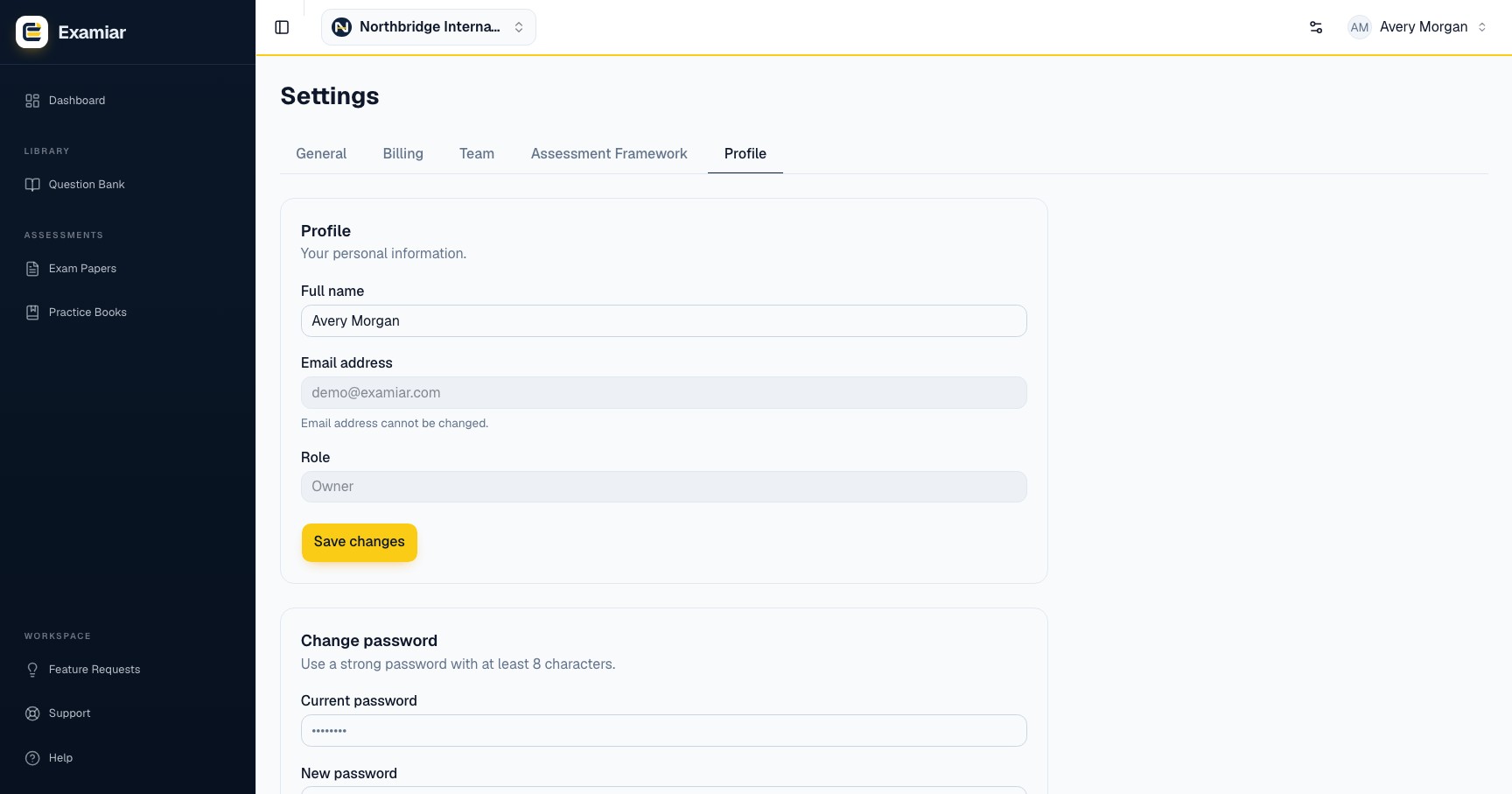
Profile and password
In Profile, you can update your name. Your email address and organisation role are shown for reference. To change your password, enter the current password and choose a new one with at least eight characters.
- Use a unique password that you do not use on another service.
- Store it in a reputable password manager.
- Do not send passwords by email or place them in support tickets.
- Sign out on shared devices.
Plans and usage
Billing & Plans shows your current plan and live usage. Examiar offers a permanent Free plan and paid plans for larger workflows. Self-serve payment is not currently available; contact support to arrange an upgrade and confirm the current limits and price before purchasing.
Protect assessment data
- Give staff only the role they need.
- Check the visibility of questions before sharing content.
- Avoid storing learner personal information inside question text, tags or source notes.
- Export only to approved organisation devices and storage.
- Report unexpected account activity to support promptly.
Continue in Examiar
Open in ExamiarOpen the relevant workspace area and put this guide into practice.